



31 Best CMS for News Sites in 2026


Top Picks
 Disclaimer: Our top picks are based on our editors’ independent research, analysis, and/or hands-on testing.































Table of Contents
Subscribe to AI insights
- Trending pubtech resources
- Review of pubtech and adtech tools
- Valuable pubtech strategies

Ask ChatGPT
The ability to publish quickly, securely, and across multiple platforms isn’t just an advantage; it’s essential for survival in today’s digital news environment. Content management systems (CMSs) have become the backbone of modern newsrooms, pulling together and centralizing key aspects of the editorial process from story creation to multi-channel distribution. Yet with dozens of platforms available, each promising to revolutionize your publishing workflow, choosing the right CMS for your news organization can feel overwhelming.
Your CMS choice affects everything from how quickly you can break news to how effectively you protect sensitive sources, how successfully you distribute content across channels, and how well your site performs in search rankings. It shapes page load times, influences traffic growth, and ultimately impacts ad revenue and audience engagement.
We’ve evaluated 31 CMS platforms against the criteria that matter most for news organizations: security, editorial workflow, publishing speed, omnichannel distribution, SEO, scalability, and cost.
What Is a CMS Platform?
A content management system is an application that provides rich editing tools that allow users to create, manage and publish content volume of digital content at scale.
With a CMS, users can create, edit and publish digital content without needing technical knowledge such as coding. The user-friendly interface of a CMS allows users to input text, images, video, interactive elements, and other content, and organize it into pages on a website or a blog.
Understanding what a CMS and its editorial tools can do is one thing, but recognizing why your news organization specifically needs one, and what problems it solves, is another. Let’s explore the key challenges that make a CMS indispensable for modern news publishing.
6 Reasons Why News Sites Need a CMS
Running a news site can be challenging, especially with the constant pressure to provide accurate and timely information, while also ensuring mobile optimization for readers. Without a content management system (CMS), managing and publishing news articles can be a daunting task.
Here are some of the challenges of running a news website and how CMS can help overcome them.
1. Security and content protection: News organizations handle sensitive information, breaking stories, and embargoed content that requires robust security measures. A CMS provides role-based access controls, audit trails, and secure publishing workflows to protect content from unauthorized access, leaks, and cyber threats.
2. Managing multiple websites: Many news organizations have multiple websites dedicated to different topics, regions, or languages. A CMS provides a centralized platform for managing all of these sites, while maintaining consistent security standards and editorial oversight across all properties.
3. Streamlined workflow: News publishing requires a significant amount of content on a daily basis. CMSs provide a streamlined workflow for creating, editing, and publishing a high volume of news articles quickly while maintaining editorial controls and approval processes that ensure accuracy and quality.
4. Publishing speed: One of a CMS’s main benefits is that it allows news organizations to speed up their publishing process. With a user-friendly interface, journalists can create and publish articles, images, and videos without needing technical expertise.
5. User engagement: News organizations need to engage with their audience and provide a personalized experience. CMSs provide tools for digital asset management, managing user accounts, content personalization, and exploring new revenue streams, while ensuring that user data is securely stored and compliance requirements are met.
6. Analytics and reporting: CMSs offer insights into website traffic, user behavior, and content performance, helping news organizations make data-driven editorial decisions. These analytics also help identify potential security issues, unusual access patterns, and content vulnerabilities.
How to Choose the Best CMS Platform for News Sites
Selecting a suitable content management system (CMS) for a news organization requires careful consideration of several key features and factors. Modern newsrooms demand platforms that balance speed, security, scalability, and workflow efficiency in order to meet the demands of digital publishing.
Here are the key criteria to consider while assessing CMS platforms for news sites:
Security and Access Control
For any news institution, security should be the number one priority. Newsrooms deal with sensitive information, confidential sources, and embargoed content-all needing stringent measures of protection. The right CMS should have secure authentication systems to block unauthorized access and built-in protections against common vulnerabilities in the form of SQL injection and cross-site scripting, among others, to protect your digital infrastructure.
Load Times and Performance
Page speed directly impacts both user experience and search rankings in ways that can make or break a news site’s success. Recent data shows that approximately half of mobile users will abandon a site if it takes longer than three seconds to load, while one study found that roughly half of shoppers abandon their carts when pages take two seconds to load. A capable CMS should deliver fast page load times via optimized code and caching, support content delivery networks for global performance, and provide built-in performance monitoring tools that help you identify bottlenecks.
Workflow and Publishing Speed
News operates on tight deadlines, and every minute counts in getting a story out. The best systems offer multi-stage approval processes that keep editorial control while continuing to move fast, coupled with real-time collaboration tools that let many journalists work on stories at the same time. Also, the ability to schedule publishing is another important factor in managing embargoed content, making sure stories go live at exactly the right moment without the need for manual intervention.
Omnichannel Distribution
Social media has upended the way people consume news. In fact, according to the Pew Research Center, about half of U.S. adults now get news from social media platforms, meaning publishers cannot afford to consider their own websites as the sole destination any longer. A capable CMS should publish content simultaneously across websites, mobile apps, and social platforms, with little additional effort. Look for systems that offer automated social media integration, support various content formats optimized for different channels, and enable content syndication via API access.
SEO and Discoverability
Your CMS should generate clean, semantic HTML markup that search engines can easily understand, offer meta descriptions to, and provide automated SEO optimization tools that help journalists optimize content without becoming technical experts. Support for schema markup enables rich snippets in search results, which can dramatically improve click-through rates. Customizable meta tags and URL structures give you control over how your content appears in search results, while automated sitemap generation and search engine indexing tools ensure that new content gets discovered quickly.
Scalability and Reliability
Successful news sites can experience major increases in traffic when major breaking news hits, and your system needs to be able to handle those surges without buckling. Cloud-based infrastructure provides the elasticity to scale up during peak demand and scale down during quieter periods, making it more cost-effective than traditional hosting.
Modularity and Flexibility
A modular CMS should provide drag-and-drop content blocks that make page building straightforward, even for journalists without design experience. It should have pre-built templates for common article types that dramatically speed up production while maintaining consistency in the look and feel across your site.
Analytics and Insights
A proper CMS should provide real-time traffic and engagement metrics to help editors understand what’s resonating with their audiences; it should also provide content performance analytics that show which stories drive the most value. Audience behavioral insights will help drive everything from headline testing to content strategy, while integration with third-party analytics tools, such as Google Analytics, ensures you can combine CMS data with broader marketing and audience intelligence.
With these criteria in mind, let’s examine 31 CMS platforms that serve news organizations of various sizes and needs.
List of CMS Platforms for News Sites
Our ratings for the CMS Platforms are as follows for different checkpoints:
31 Best CMS Platforms for News Sites
| Platform | Editorial Workflow | Performance & Scale | SEO & Audience Engagement | Monetization | Customization & Design | Content Formats & Media | AI & Automation | Technical Support & Updates | Security & Compliance | Cost & Licensing | Integration Capability | Capability Score | Small | Mid-Market | Enterprise | Operational Load | Velocity / Adaptability | Market Fit Score |
|---|---|---|---|---|---|---|---|---|---|---|---|---|---|---|---|---|---|---|
| RebelMouse | 4 | 4 | 5 | 3 | 4 | 4 | 3.5 | 3 | 4 | 3 | 4 | 3.7 | 4 | 5 | 3 | 4 | 5 | 4.55 |
| Labrador CMS | 4 | 4 | 4 | 3 | 4 | 4 | 3 | 4 | 4 | 3 | 3 | 3.69 | 5 | 3 | 4 | 5 | 4 | 4.55 |
| Publisher Plus | 3 | 3 | 3 | 3 | 3 | 3 | 2 | 3 | 3 | 3 | 3 | 3.44 | 4 | 3 | 1 | 5 | 4 | 4.42 |
| Publive | 4 | 5 | 4 | 3.5 | 4 | 5 | 4 | 4 | 4 | 4 | 4 | 3.96 | 5 | 4 | 4 | 4 | 4 | 4.38 |
| Newsifier | 4 | 4 | 5 | 3.5 | 4 | 4 | 3 | 4 | 4 | 4 | 3 | 3.89 | 5 | 4 | 4 | 4 | 4 | 4.35 |
| PurplePublish | 3 | 3 | 3 | 3 | 3 | 3 | 3 | 3 | 3 | 3 | 3 | 3.09 | 4 | 2 | 1 | 5 | 4 | 4.25 |
| Ghost | 4 | 5 | 4.5 | 4.5 | 3 | 4 | 2 | 3.5 | 4 | 4 | 3 | 3.58 | 5 | 3 | 1 | 5 | 3 | 4.19 |
| Livingdocs | 4 | 4 | 4 | 4 | 4 | 4 | 4 | 4 | 4 | 2 | 4 | 4 | 2 | 5 | 4 | 3 | 4 | 4.10 |
| Newspack (SaaS WordPress) | 4 | 4 | 4.5 | 3 | 4 | 4 | 3 | 4 | 4 | 4 | 4 | 3.92 | 4 | 4 | 2 | 4 | 3 | 4.06 |
| Wehaa | 3 | 3 | 3 | 3 | 3 | 3 | 3 | 3 | 3 | 4 | 3 | 3.14 | 4 | 2 | 1 | 5 | 3 | 3.97 |
| Hocalwire | 4 | 4 | 4.3 | 3 | 4 | 4 | 4 | 4 | 4 | 3 | 3 | 3.71 | 3 | 4 | 3 | 3 | 4 | 3.96 |
| Whitebeard News Suite | 4 | 4 | 4 | 3 | 3 | 4 | 3 | 4 | 3 | 3 | 4 | 3.59 | 3 | 3 | 2 | 4 | 3 | 3.90 |
| Quintype (Bold) | 4 | 4 | 4 | 4 | 4 | 4 | 4 | 4 | 4 | 4 | 4 | 4.12 | 2 | 5 | 4 | 3 | 3 | 3.86 |
| Tresite Digital News CMS | 4 | 4 | 4 | 3 | 3 | 4 | 2.5 | 3 | 3 | 3 | 3 | 3.52 | 3 | 3 | 2 | 4 | 3 | 3.86 |
| Glide Publishing Platform | 4 | 5 | 4 | 3 | 4 | 4 | 3 | 5 | 5 | 3 | 4 | 4.05 | 2 | 5 | 5 | 3 | 3 | 3.83 |
| WordPress VIP | 4 | 4 | 4 | 4 | 4 | 4 | 4 | 4 | 4 | 3 | 4 | 4.03 | 1 | 3 | 5 | 2 | 3 | 3.52 |
| Ring Publishing | 4 | 4 | 4 | 4 | 4 | 5 | 4 | 4 | 4 | 1 | 4 | 4.01 | 1 | 4 | 5 | 2 | 3 | 3.50 |
| BLOX Digital (TownNews) | 4 | 4 | 4 | 3 | 4 | 4 | 3 | 4 | 4 | 2 | 4 | 3.84 | 3 | 4 | 3 | 3 | 2 | 3.42 |
| Xalok | 3 | 3 | 3 | 3 | 3 | 3 | 2 | 3 | 3 | 2 | 3 | 2.94 | 2 | 3 | 2 | 4 | 2 | 3.27 |
| Arc XP | 5 | 5 | 4 | 4 | 4 | 5 | 4 | 5 | 5 | 2 | 5 | 4.62 | 1 | 4 | 5 | 1 | 2 | 3.21 |
| Drupal (Acquia / Thunder) | 4 | 4 | 4 | 4 | 4 | 4 | 4 | 5 | 5 | 2 | 5 | 4.24 | 1 | 4 | 5 | 1 | 2 | 3.02 |
| StiboDX (CUE) | 4 | 4 | 4 | 4 | 4 | 5 | 4 | 5 | 5 | 2 | 4 | 4.19 | 1 | 5 | 5 | 1 | 2 | 2.99 |
| WordPress (Self-Hosted + Plugins) | 4 | 3 | 4 | 4 | 3 | 4 | 3.5 | 4 | 2 | 3 | 4 | 3.4 | 3 | 3 | 2 | 2 | 2 | 2.90 |
| Naviga Global | 4 | 4 | 4 | 4 | 4 | 4 | 3 | 4 | 5 | 2 | 4 | 3.97 | 1 | 4 | 5 | 1 | 2 | 2.89 |
| Metro Publisher | 3 | 2 | 2 | 3 | 3 | 2 | 2 | 4 | 3 | 3 | 3 | 3.78 | 4 | 3 | 1 | 2.83 | 2 | 2.86 |
| WoodWing Aurora | 4 | 4 | 4 | 4 | 4 | 4 | 3 | 4 | 4 | 2 | 4 | 3.89 | 2 | 4 | 4 | 1 | 2 | 2.85 |
| Atex | 4 | 4 | 4 | 3 | 3 | 4 | 3 | 4 | 5 | 2 | 4 | 3.84 | 2 | 4 | 4 | 1 | 2 | 2.82 |
| InterRed | 4 | 4 | 4 | 4 | 3 | 4 | 3 | 4 | 4 | 2 | 4 | 3.82 | 2 | 4 | 4 | 1 | 2 | 2.81 |
| Layout International – Newsroom | 4 | 4 | 3.5 | 3 | 3 | 4 | 2 | 4 | 4 | 3 | 4 | 3.64 | 2 | 4 | 4 | 1 | 2 | 2.72 |
| Superdesk | 4 | 4 | 4 | 3 | 3 | 3 | 2 | 4 | 3 | 3 | 3 | 3.52 | 2 | 4 | 4 | 1 | 2 | 2.66 |
| Eidosmedia Méthode | 4 | 5 | 3 | 4 | 4 | 5 | 3 | 4 | 5 | 1 | 4 | 4.07 | 1 | 3 | 5 | 1 | 1 | 2.64 |
Rebelmouse
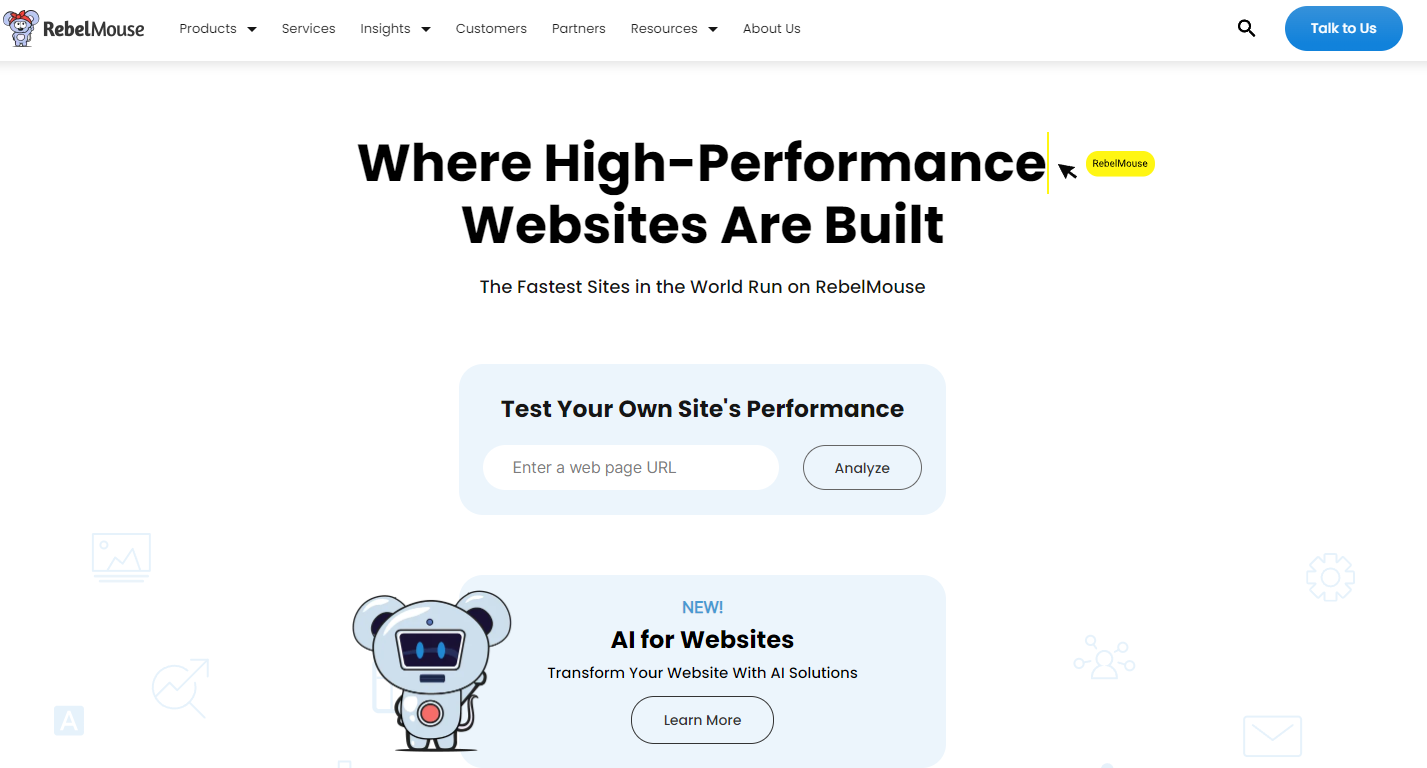
RebelMouse is a modern, cloud-based CMS and audience engagement platform purpose-built for digital-native publishers focused on rapid growth and social velocity. It differs from traditional CMSs in its centralized command center, through which content creation, site rendering, and data-driven distribution are integrated into one high-performance system. Its unique value lies in a best-in-class recirculation and social distribution engine, combined with strong homepage programming tools, designed to maximize user engagement and content reach from the moment it’s published. The platform is ideally suited for media companies that iterate quickly on their front page and leverage real-time data to fuel audience growth.
Features
- Data-driven editorial workflow
- Dynamic homepage & layout builder
- Real-time performance analytics
- Integrated SEO & speed infrastructure
Pros
- Impressive homepage programming tools for enhanced engagement
- Agile front-page management
- Advanced recirculation & social engine
- Scalable, high-performance hosting
Cons
- Less structured editorial governance
- Requires tuning for personalization
0.5
1
1.5
2
2.5
3
3.5
4
4.5
5
Labrador CMS
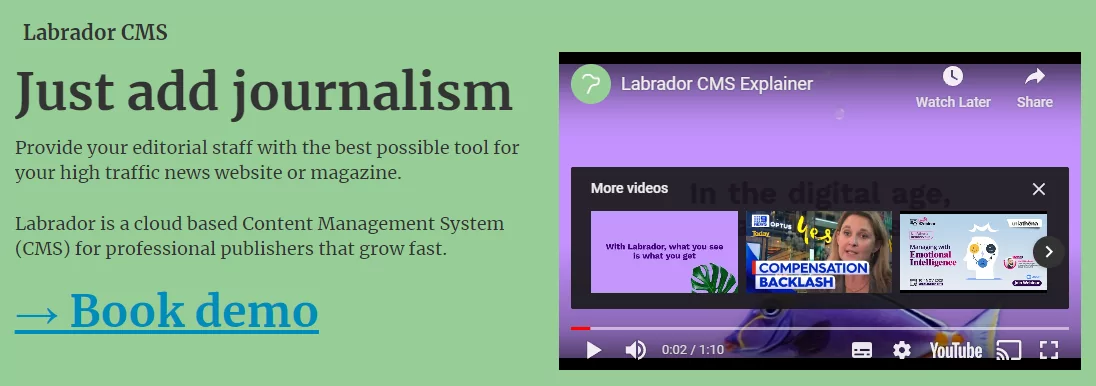
Labrador CMS is a cloud-based solution, built for publishers by publishers, used by more than 250 sites, including high-profile brands such as Elle Sweden, Børsen, and TV 2. The publishing platform combines standard publishing tools with an innovative editing suite that enables end-users to edit text and images directly in layout, without flipping between applications. All layouts are mobile-responsive, guaranteeing a consistently optimum user experience. This is the perfect tool for small organizations which prioritize simplicity over architectural flexibility.
Features
- WYSIWYG in-line editing within layout
- Integrated ad, print and paywall systems
- Mobile-responsive layouts
- Third-party plugin support: Piano, Infosoft
Pros
- Intuitive visual editing interface
- Transparent component layout pattern
- Built-in paywall and advertisement support
- All-in-one publishing toolset
- Significantly less cognitive load
Cons
- Limited third-party integrations
- Traffic-based pricing can become costly
- Smaller selection of essential plugins
- Enterprise packages call for premium investments
0.5
1
1.5
2
2.5
3
3.5
4
4.5
5
Publisher Plus

Publisher Plus is an affordable CMS that provides very small teams and micro-publishers with a minimal, no-frills set of publishing features. The platform offers easy-to-use social media integration and basic monetization in a no-fuss package. This makes it accessible for less technically oriented organizations. While it covers fundamental publishing needs effectively, the platform has limited feature depth and minimal extensibility compared to more advanced solutions.
Features
- Basic social media integration and publishing
- Complete integration with Google DFP
- Template-based content management
- Allows multi-channel publishing
Pros
- Cost-effective solution for small budgets
- Simple, easy-to-learn interface
- Integrating basic monetization tools
Cons
- Limited advanced features and customization
- Limited extensibility from third parties
- Template constraints limit design flexibility
0.5
1
1.5
2
2.5
3
3.5
4
4.5
5
PubLive

PubLive is an AI-driven content management platform designed for the specific needs of local publishers and community newsrooms. It combines a very intuitive, easy-to-use interface with robust multimedia and consistent customer support, making it perfect for teams migrating from older legacy systems. While strong in accessibility and core publishing functionality, it’s less ideal for organizations with deep custom newsroom workflows or complex personalization engines.
Key Features
- AI content assistant: create and reuse
- AI-powered SEO optimization tools
- AWS-based hosting infrastructure
- Multimedia capabilities
Pros
- Very user-friendly, with a minimum learning curve
- Strong fit for local newsroom operations
- AI tools ease up content workflow
- Impressive multimedia features
Cons
- Limited customization for complex workflows
- Basic personalization capabilities
- Less flexible for enterprise-scale needs
0.5
1
1.5
2
2.5
3
3.5
4
4.5
5
Newsifier
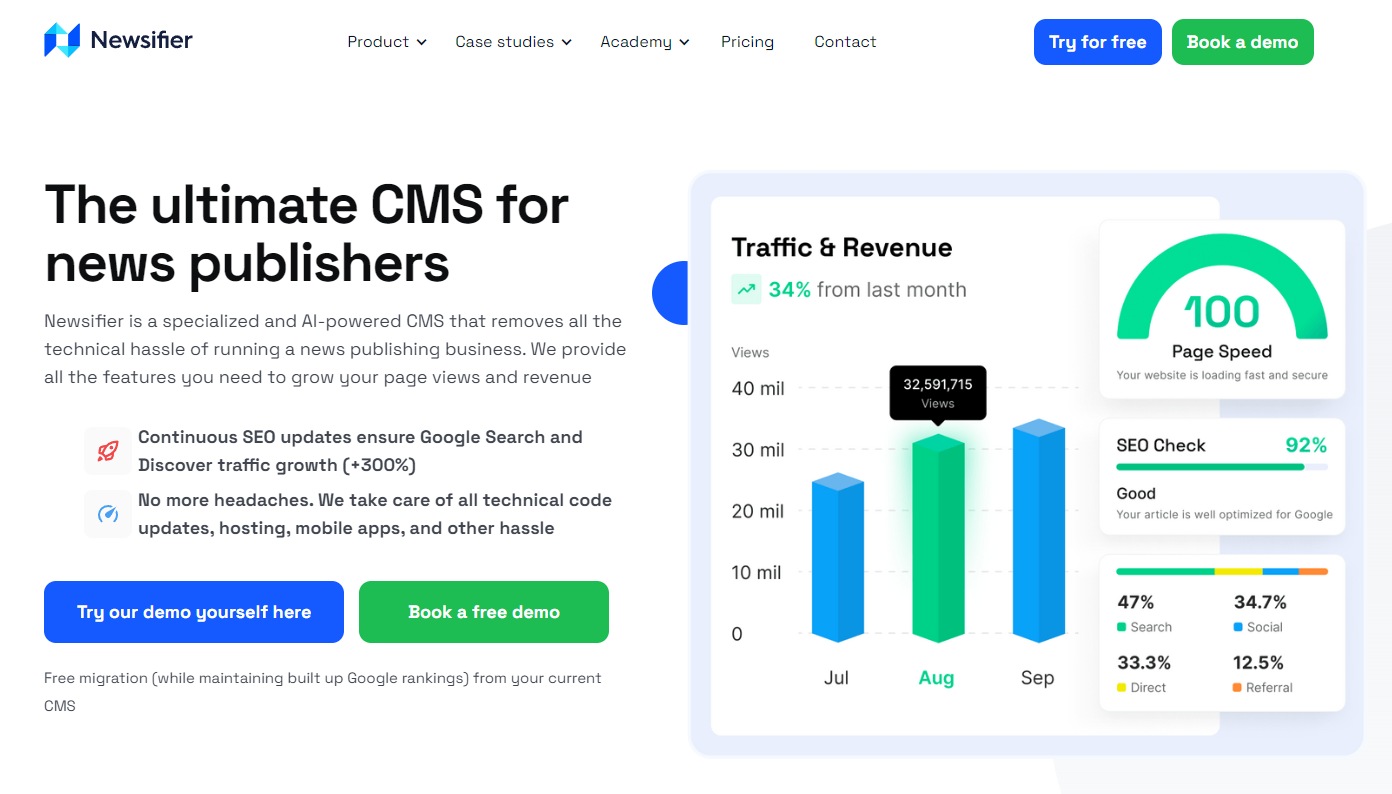
Newsifier is an AI-driven, no-code headless CMS crafted specifically for online news publishers. It incorporates strong SEO capabilities, effective recirculation tools, and editorial simplicity into one single solution, including scaled hosting and native mobile app creation. Its emphasis on rapid onboarding with low technical overhead makes it particularly suitable for small- to mid-sized digital publishers who prioritize growth and operational ease above deep technical customization.
Features
- No-code drag-and-drop interface
- AI-powered content creation and headline generation tools
- Build natively for both iOS and Android
- Integrated newsletter and advertising manager
Pros
- Very fast implementation and onboarding
- Strong SEO and audience recirculation features
- All-in-one platform, hosting, and mobile application
- Growth-based pricing based on page views
Cons
- Limited framework-level customization
- Smaller ecosystem of third-party integrations
- Customer support can be improved
0.5
1
1.5
2
2.5
3
3.5
4
4.5
5
PurplePublish
PurplePublish is a robust headless CMS platform designed for micro teams with basic publishing requirements. Some of the notable clients include Century Link, Indiana Pacers, and Outback Steakhouse. Combining AI-driven workflow automation with flexible, multichannel publishing, the system supports hybrid apps and responsive websites. With its scalability and advanced features, PurplePublish positions itself as a comprehensive solution for modern-day publishers.
Features
- AI-powered workflow automation and recommendations
- Headless CMS architecture with API-first Approach
- Multi-channel publishing: web, apps, social
- Interactive content elements and reader engagement tools
Pros
- Simple, lightweight CMS suitable for small teams
- Advanced AI features for content optimization
- Flexible multi-channel publishing potential
Cons
- Implementation may involve technical resources
- Limited scope of scalability
0.5
1
1.5
2
2.5
3
3.5
4
4.5
5
Ghost
Ghost is a powerful, open-source publishing platform built specifically for professional creators, journalists, subscription-driven publications, and niche media businesses. By being a headless CMS with a native membership and subscription system, Ghost stands out among competitors by combining a clean, focused writing environment with revenue tools. It is very good at serving fast, secure websites and managing direct relationships with audiences through newsletters and paid subscriptions.
Features
- Native membership & subscription management tools
- Headless CMS architecture with API-first design
- Optimization of newsletter and email delivery
- Modern, Default SEO & Core Web Vitals
Pros
- Integrated membership and subscription tools
- A clean and intuitive writing and publishing experience
- Pricing is transparent with an open-source foundation
Cons
- Lacks advanced editorial workflow and permission controls
- Limited customization – needs technical or developer help
- Not designed for large, multi-layered newsrooms
- Basic built-in analytics
0.5
1
1.5
2
2.5
3
3.5
4
4.5
5
Livingdocs

Livingdocs is a modern, component-based CMS intended for mid-market publishers who place a premium on editorial speed and layout flexibility. The platform brings together an intuitive, fast editing experience with a strong framework that allows the creation of dynamic, visually rich content without performance compromises. While it offers significant flexibility, deeper customizations and complex integrations require a developer partnership. It is particularly suited for publishers looking to streamline their editorial workflow without sacrificing a high degree of design control.
Features
- Flexible, component-based content model
- Robust multi-tenant & multi-brand support
- Headless architecture with real-time collaboration
Pros
- Excellent editorial experience with low friction for content teams
- A high degree of layout and design flexibility
- Fast and intuitive drag-and-drop editor
- Easy and seamless reuse of content across channels and brands
Cons
- More extensive customizations require developer resources
- Higher cost point than entry-level CMS platforms
- Can be complex to set up without technical expertise
0.5
1
1.5
2
2.5
3
3.5
4
4.5
5
Newspack
Newspack is a purpose-built SaaS publishing platform on WordPress, designed to provide independent news organizations with all the systems they require to create impactful journalism, build loyal audiences, and drive sustainable revenue. Launched in 2019 with the support of the Google News Initiative and Knight Foundation, Newspack now powers more than 300 news sites. It is specifically designed for small to mid-sized publishers looking for WordPress without the hassle ofrobust maintenance.
Features
- Pre-configured, newsroom-ready WordPress environment
- Integrated revenue and donation tools
- Optimized hosting and performance infrastructure
- Pre-configured analytics and audience insights
- News-specific design templates and layout blocks
Pros
- Eliminates technical maintenance and management of hosting
- Familiar WordPress interface reduces editorial training time
- Competitive pricing with free migration services
- Consistent performance through predictable SaaS
- Devoted community of news publishers for mutual learning
Cons
- Limited customization compared to self-hosted WordPress
- Restricted to the approved ecosystem of themes and plugins
- Less flexibility for advanced custom workflows than a fully self-hosted solution
- Not suitable for non-news or complex e-commerce sites
0.5
1
1.5
2
2.5
3
3.5
4
4.5
5
Wehaa

Wehaa is a digital publishing platform that has provided templated revenue-focused solutions to community and integrated media companies for the last 15 years. It provides easy, templated publishing with very low setup time and cost, allowing for low friction and direct human support. Ideal for community publishers that want a fast, low-cost digital presence with reliable support, rather than high-end customization.
Features
- Focused on core revenue generation for publishers
- Digital solutions generating revenue
- Integrated engagement & performance reporting
- Multi-Platform content distribution tools
Pros
- Low setup cost and fast deployment
- Easy templated publishing system
- Direct, responsive human customer support
Cons
- Limited advanced newsroom workflow capabilities
- Basic analytics depth compared to the enterprise platforms
- Limited customization and extensibility general notes
0.5
1
1.5
2
2.5
3
3.5
4
4.5
5
Hocalwire
Hocalwire is a digital newsroom platform and CMS powering more than 70 newsrooms globally with over 1 million users. Offering a fully integrated workflow that covers news monitoring, creation, distribution, and monetization, the platform boasts highly impressive loading times. With its expanding feature set and powerful editorial flexibility, Hocalwire is well positioned for growing regional digital publishers in markets such as India, Southeast Asia, and South Africa. It is, however, still at varying stages of product maturity with some modules, with ongoing development.
Features
- Automated newsroom workflow management
- High-performance, fast-loading architecture
- Advanced SEO and custom schema support
- Multi-channel publishing and distribution
Pros
- Comprehensive automation of editorial workflow
- Constant innovation with growing features
- Flexible pricing based on design
- Strong regional focus and development
Cons
- Uneven maturity across platform modules
- Product roadmap evolving
- Limited integrations with third-party services
0.5
1
1.5
2
2.5
3
3.5
4
4.5
5
Whitebeard News Suite
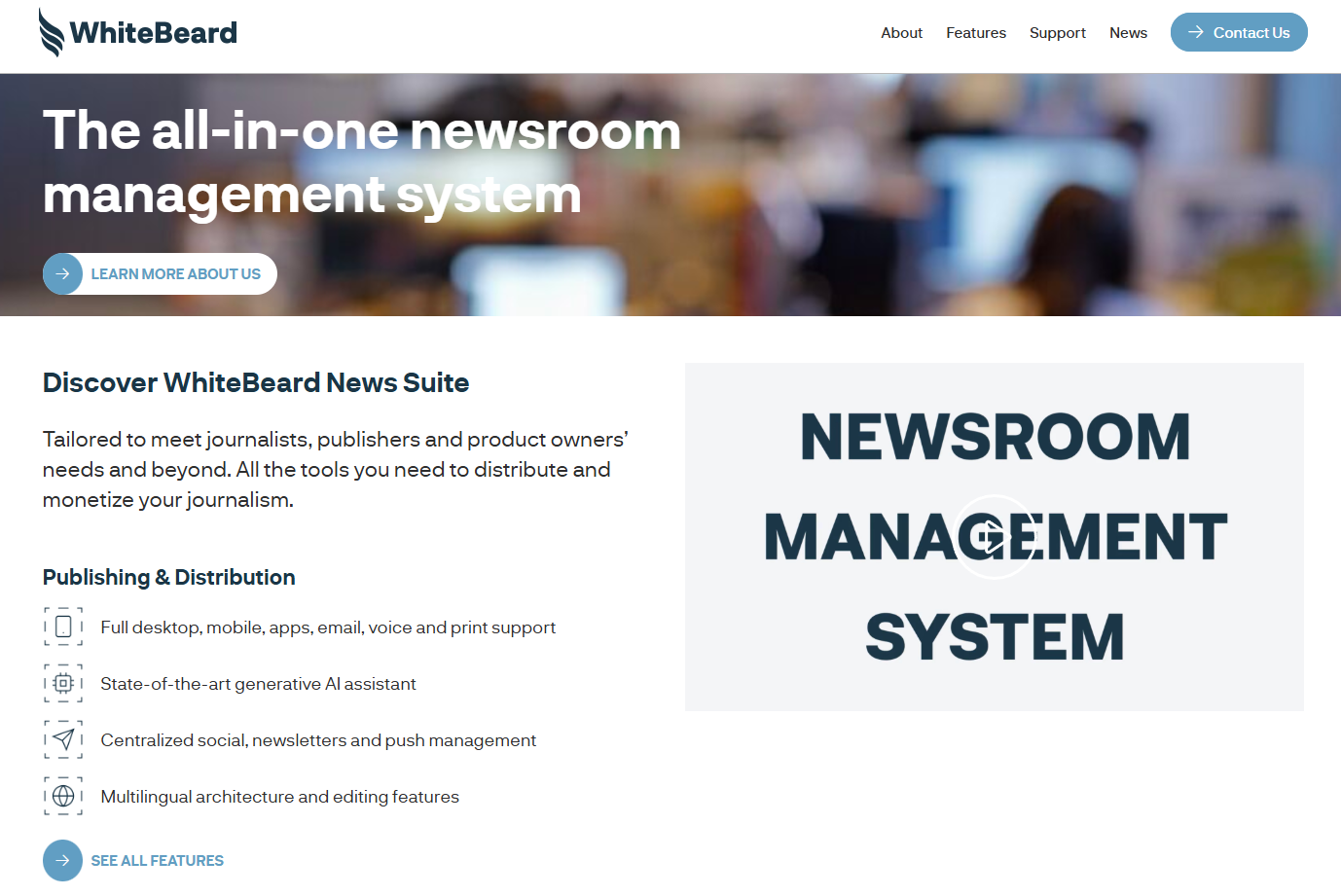
WhiteBeard is a media technology company that provides the WhiteBeard News Suite, a comprehensive ecosystem for content production, distribution, and monetization. Founded in 2011 and serving over 2,000 journalists across 30 newsrooms, it places an emphasis on providing solid editorial fundamentals and a stable, predictable toolset for small to mid-sized publishing teams. While its core functionality is reliable, investment in extensibility and AI features is relatively low compared to larger competitors. This makes it suitable for smaller publishers that value stability over cutting-edge innovation.
Features
- Integrated tools for content creation and distribution
- Multi-platform monetization systems
- Centralized newsroom management suite
- Audience and revenue analytics dashboard
Pros
- Stable, reliable platform with impressive editorial features
- Comprehensive toolset for small to mid-sized teams
- Predictable operating environment
- Strong focus on core publishing fundamentals
Cons
- Slower development roadmap compared to larger competitors
- Limited AI and advanced automation features
- Less extensible and customizable than enterprise solutions
0.5
1
1.5
2
2.5
3
3.5
4
4.5
5
Quintype
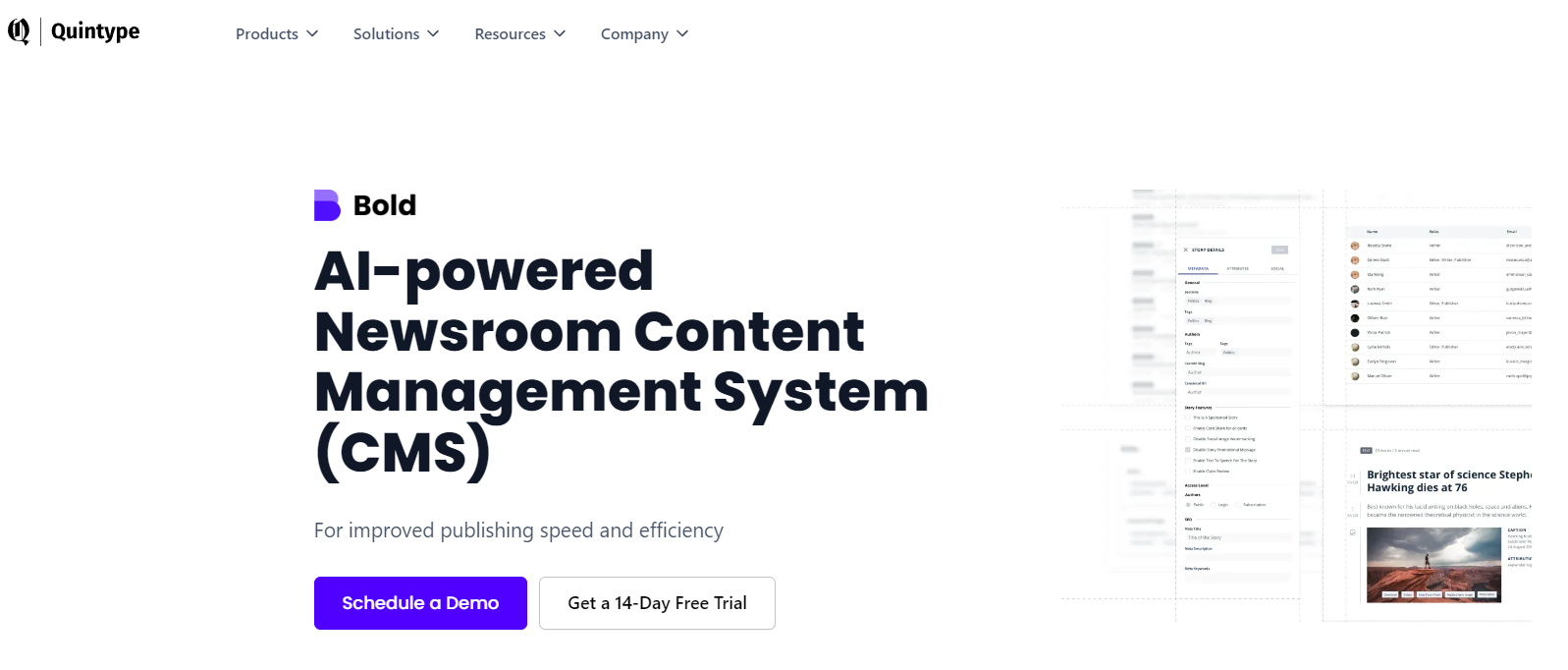
Quintype’s Bold is a modern, headless-first content CMS platform for digital publishers and media organizations. It provides headless architecture along with native multi-brand and multi-locale support, a streamlined newsroom experience, and machine learning-driven audience insights. This provides an affordable and scalable solution for digital-first organizations who are responsible for managing several brands.
Features
- Headless CMS with editorial workflow optimization
- Built-in multi-brand and multi-locale management
- Machine learning for audience personalization
- Integrated analytics, SEO tools, and omnichannel distribution
Pros
- Cost-effective pricing
- Scalable, headless architecture for modern publishing
- Multi-brand or multi-region management functionality
- Advanced UX suitable for modern newsrooms
- Fast performance with Google AMP integration
Cons
- Limited third-party integrations and plugin ecosystem
- Regional differences in platform maturity
- Less roadmap transparency compared to enterprise solutions
0.5
1
1.5
2
2.5
3
3.5
4
4.5
5
Tresite

Tresite is a Mexico-based interactive agency serving Latin American media companies with its proprietary SACS Pro CMS platform. Founded in 2004, the company offers a value proposition with a complete service model coupling its CMS with unlimited development, 24/7 support, and strategic consulting.
The service and customization of the platform are excellent, though the platform has a smaller feature footprint than mid-market and enterprise solutions. It stands out for its white-glove service to small publishers that lack internal technical resources.
Features
- Customizable content templates with SEO validation
- Integrated AI capabilities via Tresite AI LAB
- 24/7 customer support with fast response times
- Unlimited development and configuration services
Pros
- Premium white-glove service and rapid customer support
- Modern editorial stack and lightweight operations
- Affordable monthly pricing with unlimited customizations
- Intuitive, user-friendly editorial interface
- Strong regional knowledge in the Latin American markets
Cons
- Limited native features for subscriptions and ad management
- Less suitable for organizations wanting standalone CMS only
0.5
1
1.5
2
2.5
3
3.5
4
4.5
5
Glide
Glide Publishing Platform is an API-first, cloud-native CMS that runs on AWS and is certified to the highest level of AWS competency. Major publishers such as The Sunday Times, Daily Mail, and Hello! use Glide. It is positioned as a secure, stable enterprise solution that handles backend maintenance through its version-less cloud architecture, ensuring it is always up-to-date. The strength of the platform lies in enterprise-class reliability and support. It is suitable for mall-to-mid digital publishers who want scalability and ease of operation.
Features
- API-first cloud-native architecture on AWS
- No-code editorial interface and workflow tools
- Seamless third-party integrations, such as Slack or Getty Images
- Automated content enrichment and production tools
Pros
- High reliability with enterprise-grade security and SLAs
- No need to maintain the backend or update its version
- Stable and cloud-native platform
- Scalable infrastructure
Cons
- Requires comprehensive onboarding and alignment of processes
- Pricing and structure focused more on enterprise-based organizations
- May be over-engineered for very small or simple publishing operations
0.5
1
1.5
2
2.5
3
3.5
4
4.5
5
WordPress VIP

WordPress VIP is the enterprise-grade version of the popular open-source WordPress platform, powering major brands such as Meta, Salesforce, and CNN. Built on the world’s most popular CMS, it combines WordPress’ flexibility with scalable, secure enterprise hosting and robust service level agreements. Its strength lies in delivering a familiar WordPress experience at enterprise-class levels of performance, security, and governance. It is suitable for brands invested in the WordPress ecosystem which especially require enterprise-grade hosting.
Features
- Enterprise-grade WordPress hosting and infrastructure
- Advanced security and performance optimization
- Block-based content architecture with customizability
- Omnichannel content distribution capabilities
Pros
- Enterprise-class scalable platform with proven reliability
- Extensive plugin ecosystem and developer community
- Familiar WordPress interface reduces training needs
- Strong ROI with enterprise-grade security features
Cons
- Requires technical knowledge for customization
- Constraints on Core WordPress editor
- Requires strict governance for multi-team environments
0.5
1
1.5
2
2.5
3
3.5
4
4.5
5
Ring Publishing
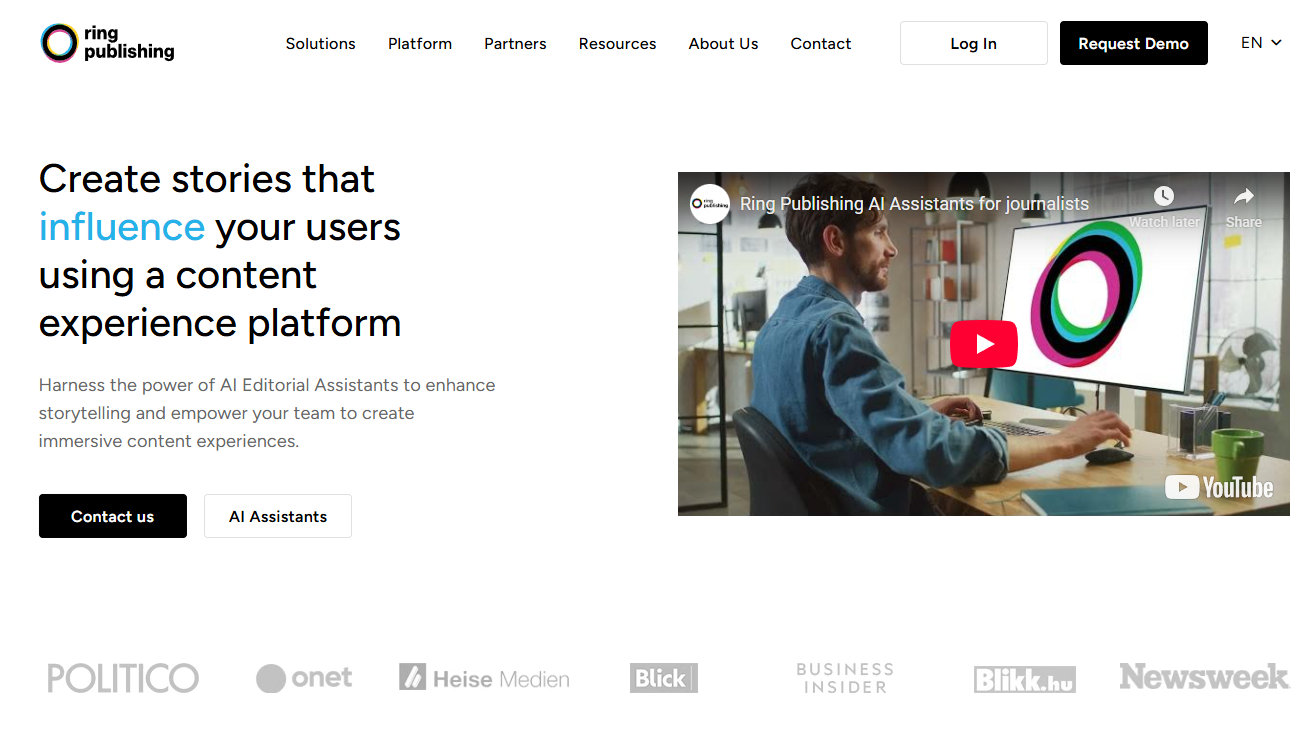
Ring Publishing by Ringier Axel Springer is an advanced publishing suite that enables media companies to create and deliver truly engaging data-driven content. The pillar of this platform, which drives audience engagement and business growth, is a sophisticated AI-powered personalization and recirculation engine. While the platform does offer powerful features for content optimization and revenue growth, it requires substantial configuration and resources to exploit the full potential. It is best suited for mid-to large publishers with dedicated product and development teams.
Features
- AI-Powered personalization & smart assistants
- Real-time analytics of engagement
- Self-configuration and custom extension capabilities
- Integrated advertising and business growth tools
Pros
- Advanced AI-driven content optimization
- Advanced capabilities for audience engagement and recirculation
- Flexible configuration for specific business needs
- Strong engagement tools based on analytics
Cons
- Very complex implementation
- Steep learning curve for editorial and product teams
- Higher cost structure compared with basic publishing platforms
- Requires constant tuning for maximum AI value
0.5
1
1.5
2
2.5
3
3.5
4
4.5
5
BLOX Digital
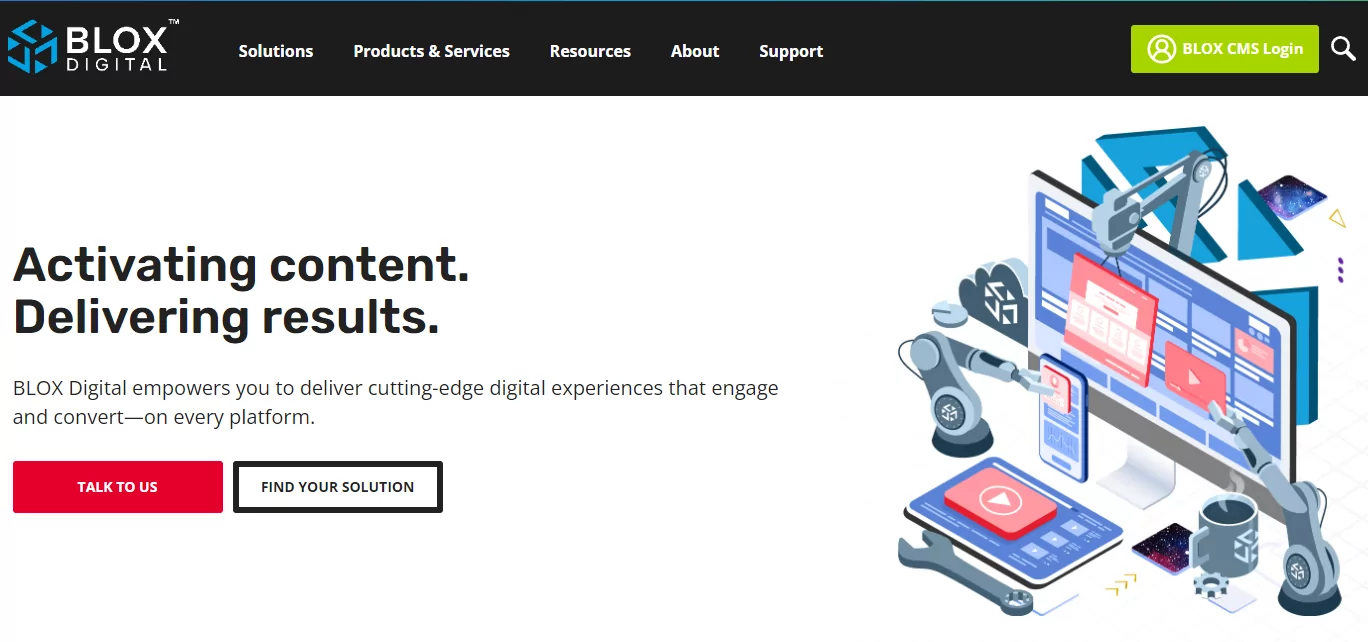
BLOX Digital is an integrated content creation and monetization platform that services more than 2,000 media sites in North America, driving almost 7 billion pageviews annually for customers such as The Canadian Press and KTBS-TV. It offers a slew of industry-specific solutions for local media, including integrated modules for handling obituaries, classifieds, and media assets, with multi-channel publishing and programmatic advertising. It is mostly used for local media groups, TV newsrooms, and regional news operators.
Features
- Multi-channel publishing across web, apps, and OTT
- Programmatic advertising with guaranteed rates
- Visitor Relationship Management (VRM) and smart paywalls
- Industry-specific modules: obituaries, classifieds, e-editions
Pros
- Comprehensive media-specific feature set
- Integrated advertising and subscription solutions
- Scalability proven for high-traffic operations
- Turnkey solutions for local media needs
- Predictable SaaS features
Cons
- Limited design flexibility and customization options
- Steep learning curve for new users
- No transparent pricing information
- Customization is vendor-dependent
0.5
1
1.5
2
2.5
3
3.5
4
4.5
5
Xalok
Xalok is a niche CMS platform catering to digital publishers with focused features on content creation, distribution, and monetization. The core of the platform focuses on newsroom operations, with practical features such as instant publishing, drag-and-drop layout management, and built-in SEO optimization. While really good at the basics of publishing, in UI refresh and extensibility, the system is not as cutting-edge as more modern systems. This makes it particularly suitable as a legacy system replacement for publishers who have a low change appetite and value stability and familiarity in their workflows.
Features
- Drag-and-drop page layout management
- Integrated SEO optimization tools
- Instant publishing & social media integration
- Automated image cropping and optimization
Pros
- Simple interface for basic publishing needs
- Integrated social media and SEO capabilities
- Stable platform for daily newsroom operations
- Practical content preview and layout tools
Cons
- Limited modern user experience compared to newer platforms
- Limited extensibility and integration possibilities
- Basic analytics and audience engagement features
- Not designed for complex, multi-brand publishing operations
0.5
1
1.5
2
2.5
3
3.5
4
4.5
5
Arc XP
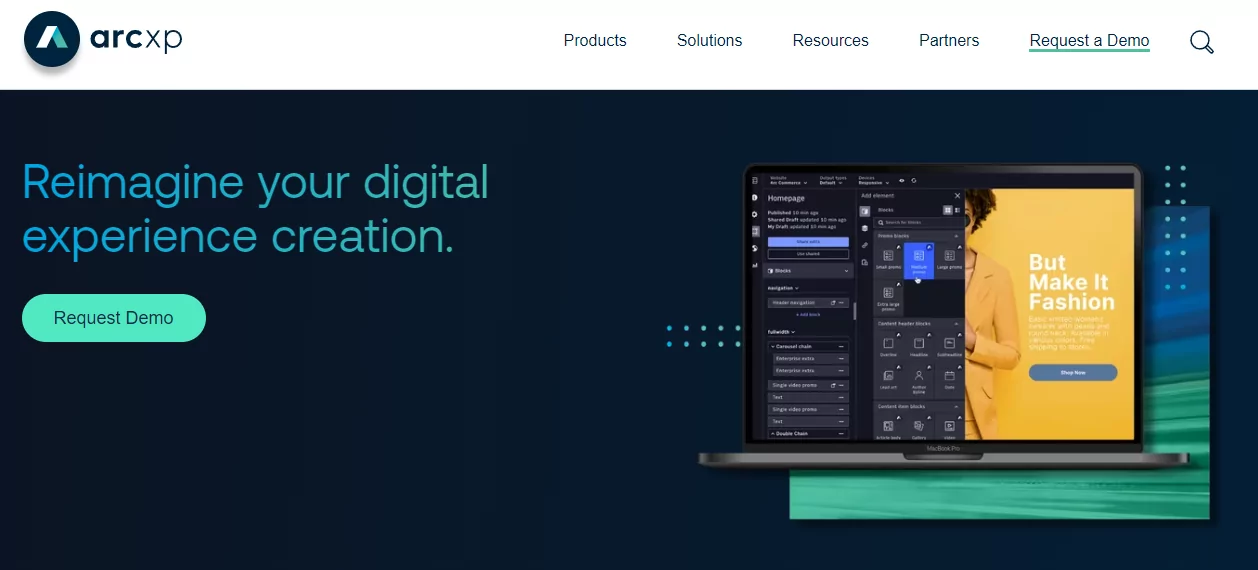
Arc XP is an enterprise-grade content management platform that was originally developed by The Washington Post and today is a separate company, Arc XP, Inc. Its customers include Graham Media Group and the Golden State Warriors. The platform brings together advanced newsroom workflow controls with a broad set of capabilities for content orchestration, audience identity management, and personalization. While Arc XP provides strong enterprise functionality for multi-brand publishing with distributed editorial teams, it requires substantial implementation resources and mature product ownership to manage its operational complexity.
Features
- Enterprise content management and workflow orchestration
- Integrated audience identity and personalization stack
- Platform for multi-channel content dissemination
- Advanced analytics and monetization tools
Pros
- Complete enterprise-grade feature set
- Scalable architecture for large publisher needs
- Advanced capabilities of audience engagement
- Seamless workflow process for newsrooms
- Robust security and reliability
Cons
- Extremely complicated and costly to implement
- Requires dedicated technical resources
- Steep learning curve for full utilization
0.5
1
1.5
2
2.5
3
3.5
4
4.5
5
Drupal
Drupal is a very flexible, open-source decoupled CMS, serving major enterprises like Viacom, Walt Disney, and Fox. It seamlessly integrates a simple content management experience for publishers and in-depth customization options for developers through an enormous global community. Drupal is powerful, with highly configurable and secure architecture and an enormous integration ecosystem. Still, substantial dedicated internal development resources, rigorous governance, and continuous maintenance are required to ensure it is managed effectively. This makes it suitable for companies with tech resources seeking security, control, and customization at the same time.
Features
- Highly customizable decoupled CMS architecture
- Enterprise-grade security and access control
- Robust multi-site and multilingual management
- Rich ecosystem of modules and API Support
Pros
- Unmatched flexibility and possibility of customization
- Proven scalability for high-traffic enterprise sites
- Highly configurable and secure architecture
- Efficient system for multi-side management
- Large scope of integration
Cons
- Requires high technical skills and large resources
- Higher overall cost of ownership for maintenance
- Steep learning curve for non-technical teams
- Complex maintenance requirements
0.5
1
1.5
2
2.5
3
3.5
4
4.5
5
StiboDX
Stibo DX (CUE) is an enterprise-scale publishing platform that is designed for large media organizations looking for robust, structured editorial workflows. Strong capabilities include the management of complex, multi-edition publishing, sophisticated newsroom routing, and coordination of large numbers of editorial desks and roles. Built to manage major publishers’ demanding content operations, its key strength lies in enforcing editorial governance and process at scale.
Features
- Enterprise multi-edition & channel management
- Structured editorial workflows & approval routing
- Advanced content planning and newsroom management
- Component-Based Content Architecture (CCMS)
Pros
- Powerful structured workflows for large editorial teams
- Excellent for complex, multi-desk publishing operations
- Strong content reuse and multi-channel distribution
- Enterprise-grade security, stability, and support
Cons
- Enterprise class pricing and implementation complexity
- Less modern UI/UX compared to some competitive platforms
- Large resource investment required for rollout
0.5
1
1.5
2
2.5
3
3.5
4
4.5
5
WordPress (Self-Hosted + Plugins)

WordPress is the world’s most popular open-source content management system, powering over 43% of all websites according to W3Techs 2024 data. Its unique strength lies in its unparalleled flexibility and vast ecosystem of over 60,000 free plugins, allowing publishers to build a completely customized publishing platform. However, this power comes with complexity: self-hosted WordPress requires active governance, technical oversight for security and performance, and carries the risk of plugin conflicts and bloat. It’s ideally suited for publishers with in-house technical capacity who require total control over their technology stack and are willing to manage the underlying infrastructure.
Features
- Unlimited customization with the help of plugins and themes
- Full ownership and control over one’s own content and data
- Powerful integration with SEO and social media
- Robust user management and content scheduling tools
Pros
- Total control of design and functionality
- Flexible plugin system
- Reduced direct software costs – hosting only
- Unlimited integrations are possible with third-party service providers
Cons
- Requires continued security updates and maintenance
- Performance optimization requires technical domain knowledge
- Plugin compatibility and quality control issues
- Hidden costs of development and DevOps resources
0.5
1
1.5
2
2.5
3
3.5
4
4.5
5
Naviga Global
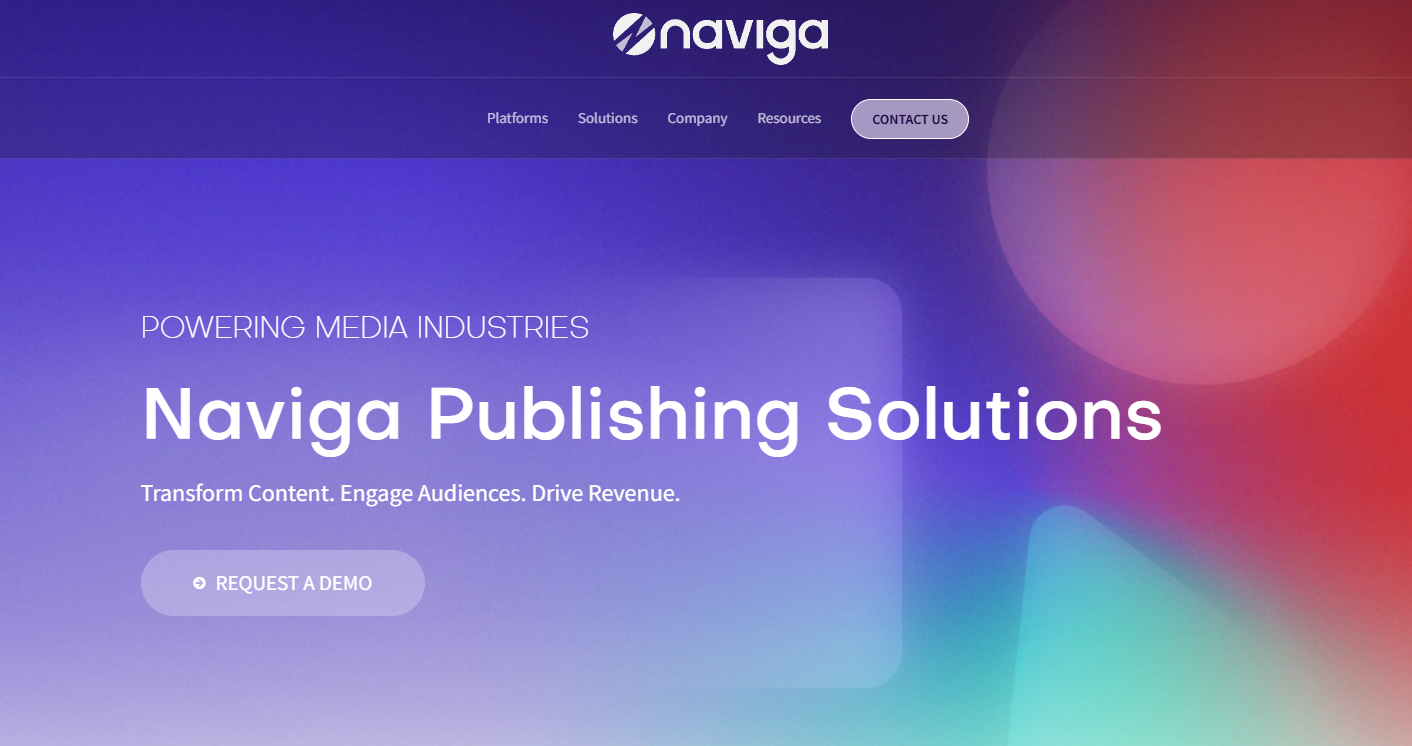
Naviga Global is an enterprise-scale publishing platform for media companies operating in print and digital environments, providing end-to-end software solutions. Built on deep legacy expertise, the core strength of the platform is represented by strong integration between print production and digital publishing, offering enterprise-level stability for complex, multi-channel operations. While it provides full-featured tools for creating content, advertising, and audience management, it has a heavier operational footprint. It is best suited for well-established publishers with extensive legacy infrastructure looking to integrate emerging technologies along with print-digital functions in a seamless way.
Features
- Integrated print and digital production workflows
- Enterprise advertising and order management system
- AI-Enhanced content creation and automation tools
- Subscription management and audience analytics
Pros
- Unmatched print-digital integration capabilities
- Enterprise-grade stability and security
- Legacy depth offering strong foundation
- Perfect integration of print and digital systems
Cons
- Significant implementation and operational overhead
- Modernization is inconsistent across platform modules
- Less agile compared to digital-native publishing platforms
0.5
1
1.5
2
2.5
3
3.5
4
4.5
5
Metro Publisher
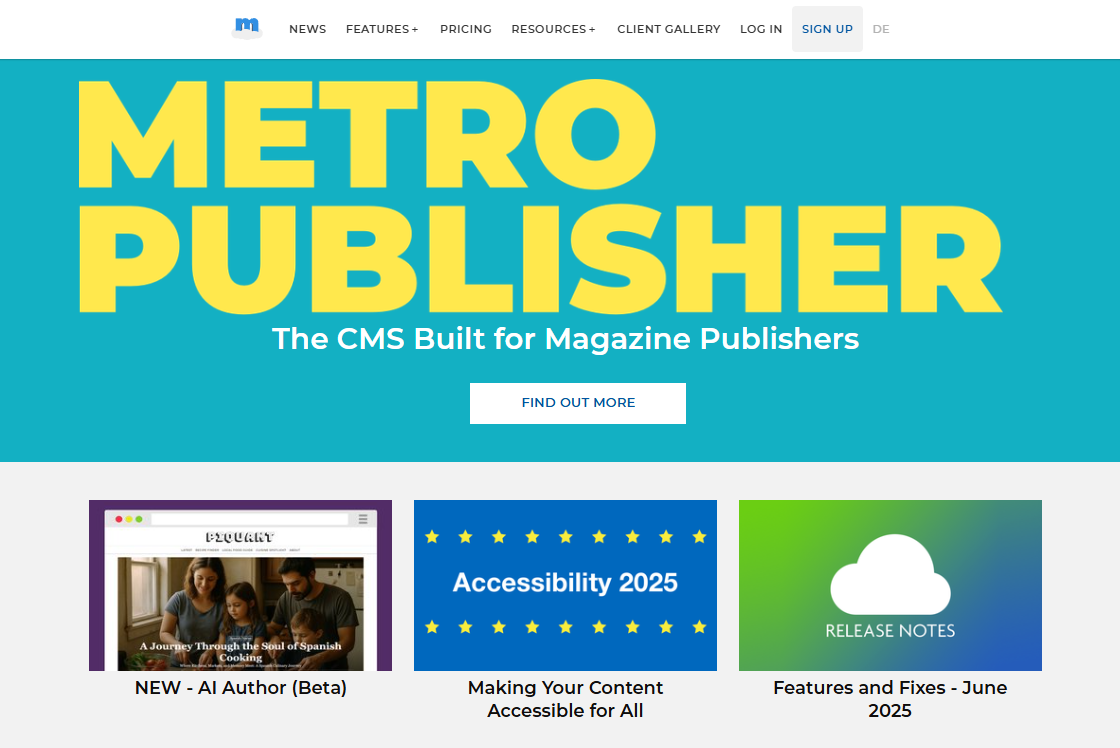
Metro Publisher is a cloud-based CMS platform that focuses specifically on local lifestyle, tourism, and city guide publishers. It boasts an intuitive, easy-to-operate interface that ensures a low learning curve and predictable pricing that’s always straightforward. The system provides a reliable and stable environment for niche publishers, although the future development path is limited, meaning a smaller feature footprint compared to enterprise-grade CMS platforms. This makes it an ideal no-fuss solution for publishers with focused needs for core content management without complex technical expectations.
Key Features
- Smarter editorial workflow & content scheduling
- Integrated business directory & event calendar management
- Mobile-friendly Site templates
- Built-in digital advertising & sponsorship management
Pros
- Extremely low learning curve, user-friendly interface.
- Predictable, transparent flat-rate pricing model
- Reliable and stable platform with minimal maintenance
Cons
- Limited features and scalability for large enterprises
- Slower development cycle and fewer platform updates
- Not suitable for complex, multisite media operations
0.5
1
1.5
2
2.5
3
3.5
4
4.5
5
WoodWing
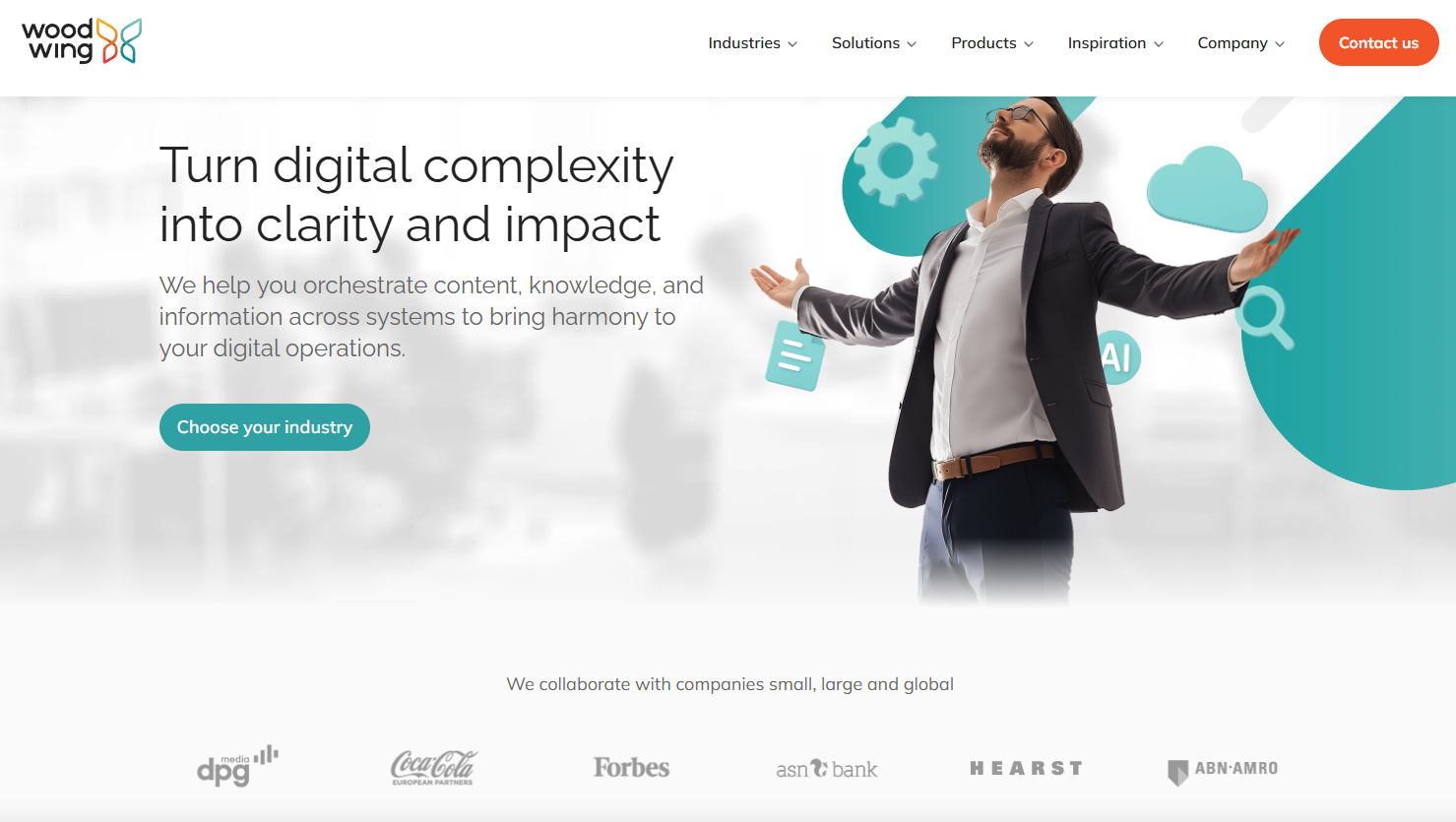
WoodWing Studio(formerly Enterprise Aurora) is described as a multichannel content creation and publishing solution that optimizes content creation and distribution for print, web, and social media. While providing powerful tools for unified content production, the platform carries more complexity than digital-only CMS solutions and requires a significant implementation process. It’s ideally suited for established publishers with existing print workflows who are taking advanced steps toward integrated, multichannel production.
Features
- Unified print and digital channel management
- Centralized content hub with version control
- Real-time collaboration and editorial workflows
- Automated multichannel content distribution
Pros
- Excellent print-digital workflow integration
- Consistency of brand across all media.
- Improved team collaboration efficiency and workflows
- Proven reliability at enterprise scale
Cons
- More complex than purely digital-only platforms
- Considerable implications in terms of implementation and training
- Steeper learning curve for digital-native teams
0.5
1
1.5
2
2.5
3
3.5
4
4.5
5
Atex
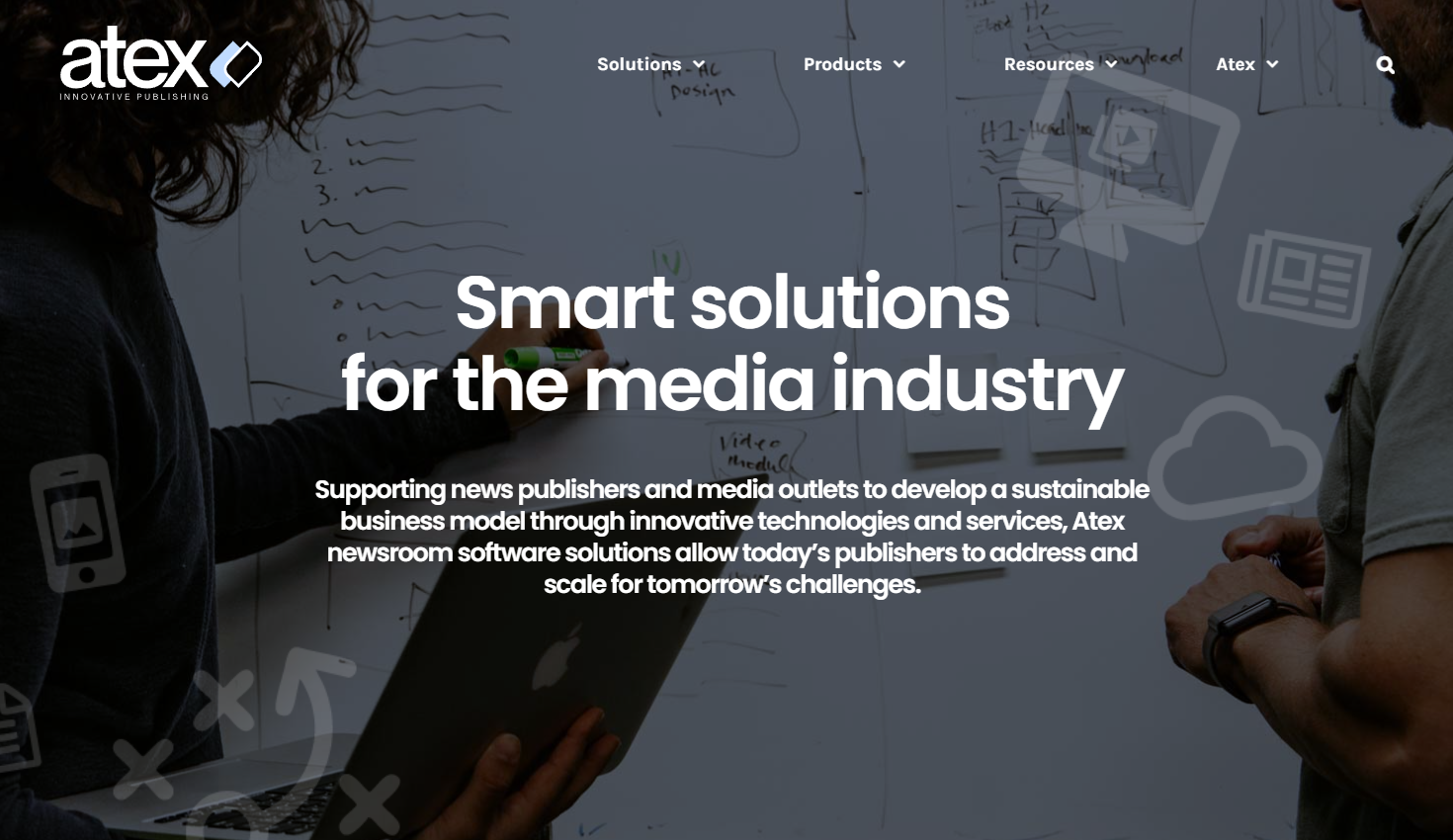
Atex is an enterprise publishing platform that offers comprehensive content management, advertising, and audience solutions for media companies. With many years of presence in the industry, the strength of the platform lies in mature, stable workflows and strong governance models that ensure large-scale publishing operations. While offering reliable enterprise-grade functionality and long-term operational continuity, the platform lags behind newer competitors in user interface modernization. It serves enterprises prioritizing operational stability and proven workflows over cutting-edge user experience.
Key Features
- Integrated content and advertising management
- Subscription and paywall systems
- Multi-channel workflows for publishing
- Audience and circulation management
Pros
- Proven stability for large-scale, complex operations
- Strong, governed workflows for content and advertising
- Comprehensive set of features for print-digital integration
- Long-term reliability and enterprise support
Cons
- User interface may lag from more modern cloud-native competitors
- Customizations can be complex and may be vendor-dependent
- Can have a slower pace of innovation compared to newer platforms
0.5
1
1.5
2
2.5
3
3.5
4
4.5
5
InterRed

InterRed offers all-in-one multi-channel publishing solutions for digital, print, and mobile. It focuses on enterprise-level, pre-publication content management, with workflow and rights management systems for media companies that seek a robust level of governance and have high demands regarding their editorial processes.
Features
- Centralized content management for all output channels
- Integrated digital and print publishing workflows
- Advanced rights and role management system
- Multi-channel content distribution
Pros
- High degree of workflow management.
- Strong access control and permission systems
- Full-service multi-platform publishing
- Established platform with long-term stability
Cons
- Interface design is according to functional and not modern UX principles
- System integrations require technical planning and configuration
- Learning curve for advanced feature adoption
- Customization dependent on platform architecture
0.5
1
1.5
2
2.5
3
3.5
4
4.5
5
Layout International
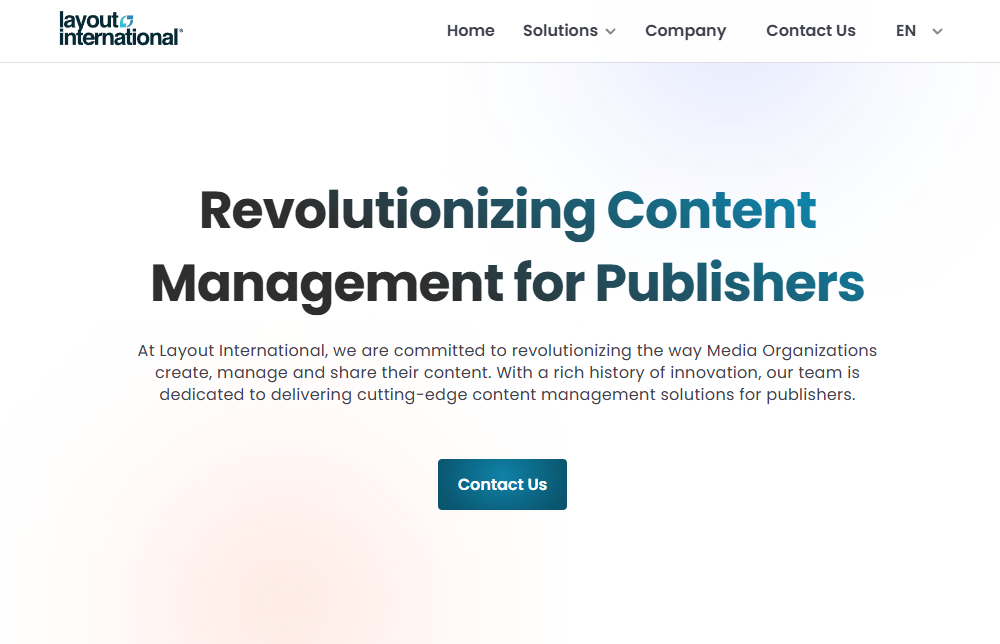
Layout International provides enterprise-level editorial and advertising solutions for media organizations. The company focuses on simplifying complex publishing workflows, ensuring that a strong control system supports comprehensive editorial chains, especially for organizations with established production processes. It is suitable for regional media groups that need to manage legacy production systems along with digital transformation.
Features
- Enterprise editorial management systems
- Integrated advertising and business solutions
- Cross-media publishing workflows
- Content planning and production tools
Pros
- Comprehensive workflow support for complex editorial chains
- Reasonable control and governance capabilities
- Established solution for media organizations
- Integrated approach to editorial and advertising workflows
Cons
- Inconsistent user experience across modules
- Variable performance speeds in different components
- Less optimized for digital-native publishing approaches
0.5
1
1.5
2
2.5
3
3.5
4
4.5
5
Superdesk
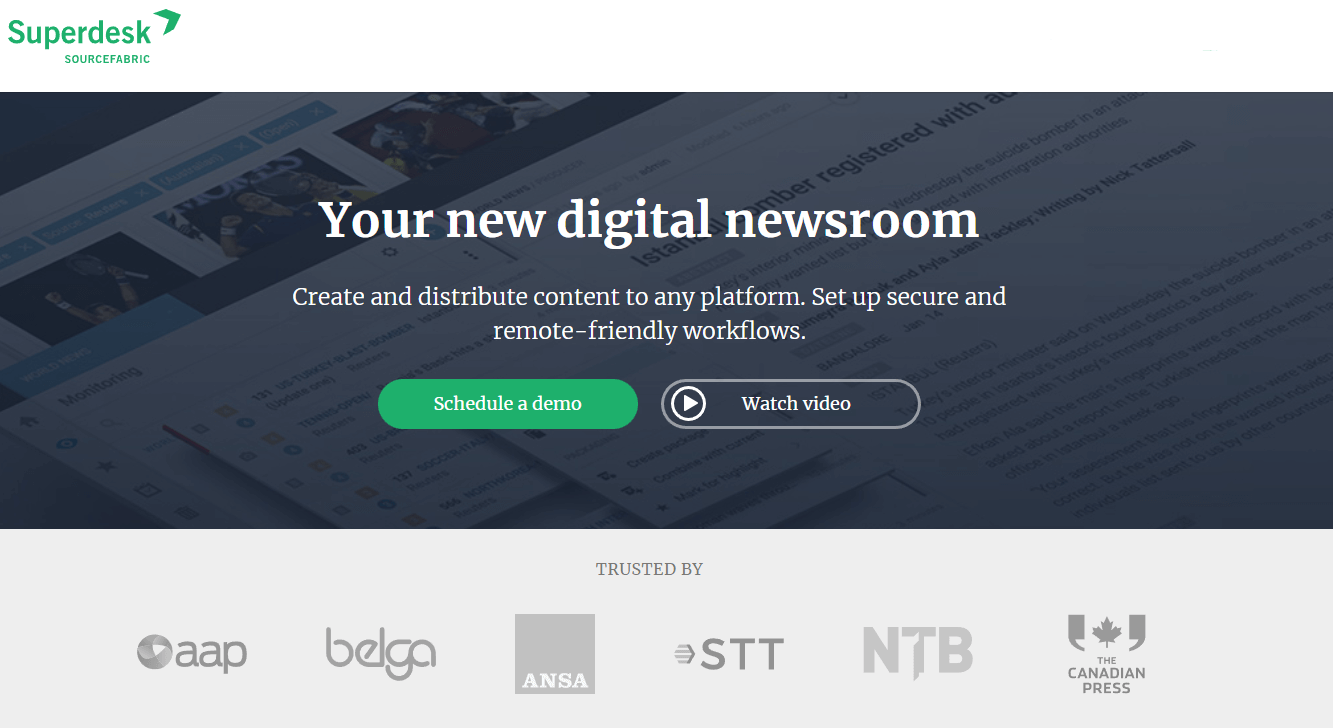
Superdesk is an open-source, end-to-end news production and distribution platform for news agencies and large media organizations. The software works at the heart of news operations, providing a central hub from which to create, manage, and distribute all news content across all channels and platforms. The platform is built with a headless, API-first architecture that supports seamless integration with third-party systems and enables multi-channel publishing.
Features
- Content creation, management and curation tools
- Multi-channel publishing capabilities
- Workflow management and planning
- Open-source, API-driven platform
Pros
- Modern, clean, and easily modifiable interface
- Flexible and scalable for large news organizations
- Supports complex newsroom workflows
- Open-source platform with an active community
Cons
- Requires technical expertise for implementation
- UI needs to be more advanced
- Possibly feature-heavy for small newsrooms
- Integration with legacy systems may require customization
0.5
1
1.5
2
2.5
3
3.5
4
4.5
5
Eidosmedia Méthode
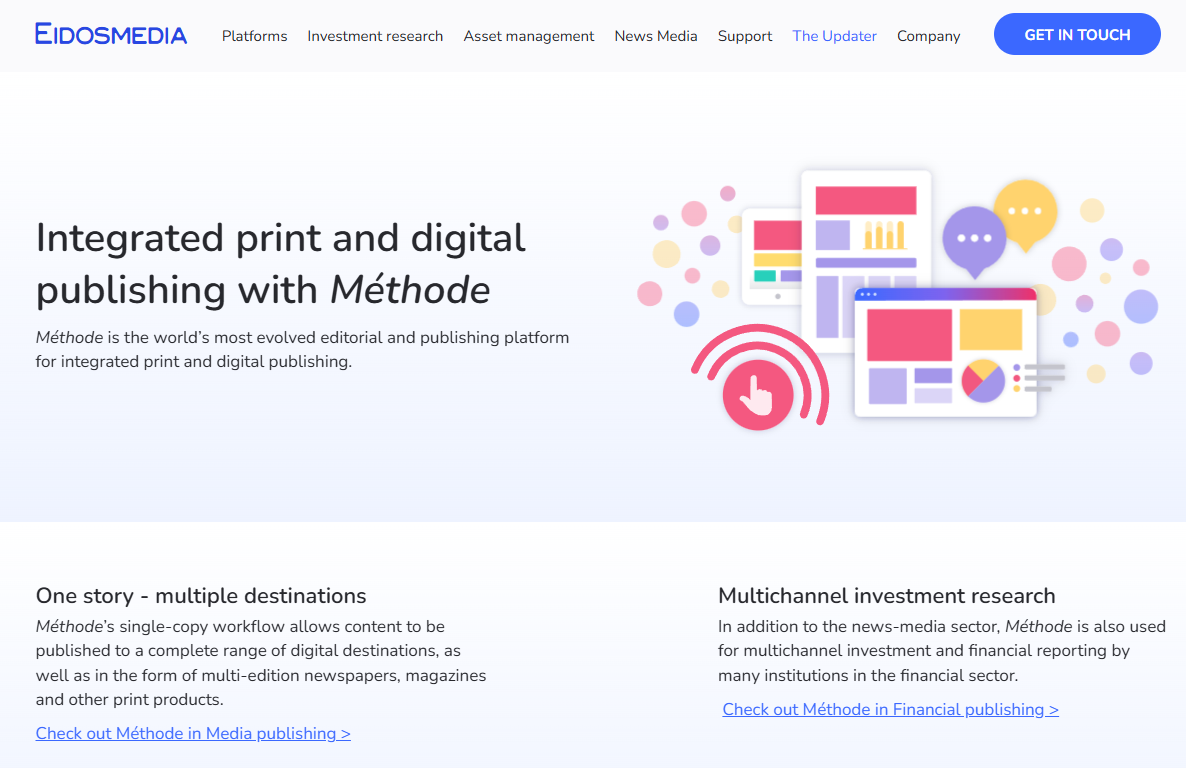
Eidosmedia Méthode is an enterprise content platform designed for major publishers and news organizations. What makes it unique is its integrated, component-based approach to managing the whole publishing lifecycle-from planning and creation to multi-channel distribution within one single environment. It is built to support the complex workflows of large, distributed editorial teams publishing to digital, print, and mobile platforms, with advanced security and governance.
Features
- Component-based content architecture: Digital First Objects
- Centralized content hub with multi-channel publishing
- Advanced workflow and planning tools for newsrooms
- Integrated digital and print production capabilities
Pros
- Powerful structured content management for large teams
- Strong multi-brand and multi-channel capabilities
- Enterprise-grade stability and scalability
- Comprehensive workflow and governance controls
Cons
- Enterprise pricing and implementation complexity
- Less suitable for small publishers or simple blogging needs
- Customization usually need vendor engagement
0.5
1
1.5
2
2.5
3
3.5
4
4.5
5
Final Thoughts
Selecting the right CMS is one of the most consequential decisions your news organization will make. The platform you choose becomes the infrastructure upon which your entire digital operation runs, affecting everything from how quickly you can respond to breaking news to how effectively you protect sensitive sources and monetize your content.
Performance matters, and the stakes are high. A study by Google Consumer Insights found that 53% of mobile site visitors will leave a page if it takes more than 3 seconds to load, while research shows that most users expect a website to load in less than 3 seconds. For news publishers, these milliseconds translate directly to audience retention and revenue.
Yet speed is just one factor among many. The “best” CMS for your newsroom isn’t simply the fastest one, it’s the platform that best aligns with your organization’s size, technical capacity, security requirements, budget constraints, and strategic priorities.
Evaluate shortlisted platforms against all the criteria outlined in this guide, request demos from your top choices, and speak with current users about their real-world experiences. Your CMS should empower your digital publishing organization. Choose wisely, invest in proper implementation and training, and it will become an invisible enabler of your newsroom’s best work. Although a CMS can enhance the efficiency of the editorial workflow, it is only the tip of the iceberg. Consider checking out our guide on how to develop and optimize editorial workflows.








State of Digital Publishing is creating a new publication and community for digital media and publishing professionals, in new media and technology.
STATE OF DIGITAL PUBLISHING – COPYRIGHT 2026


